
ChatGPT ads pixel vs Conversions API: which setup do you need?
Choose browser, server or combined event delivery based on your website, success records and ability to maintain the integration.
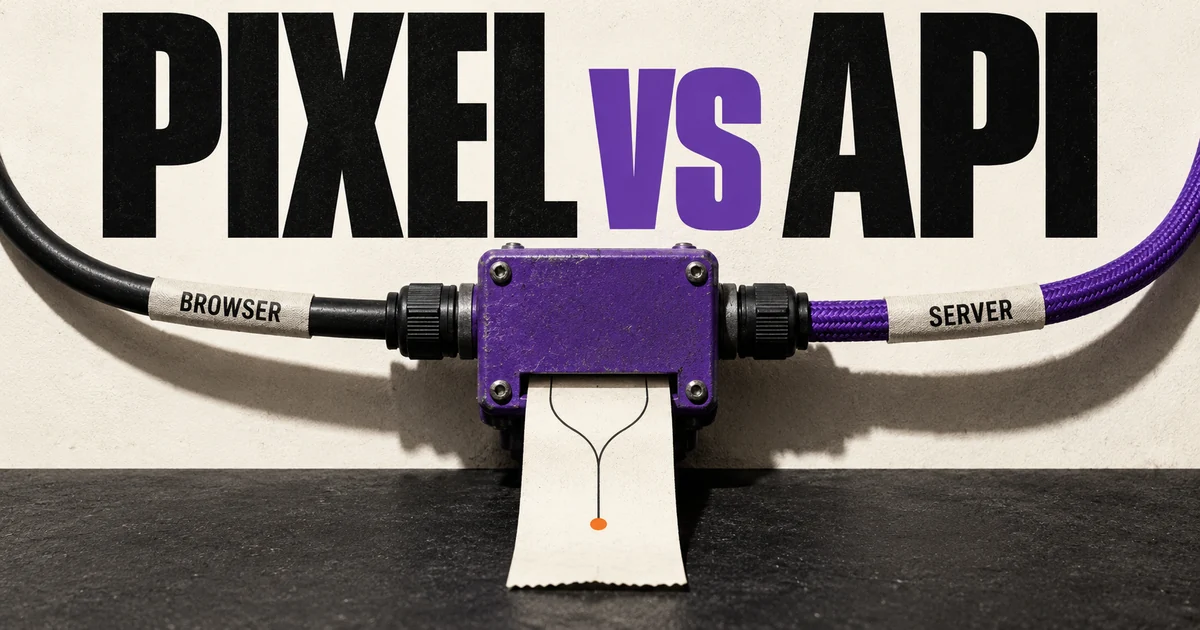
Choose the event delivery method your team can verify and maintain. Check the order or lead record before adding a server integration.
The browser pixel and Conversions API are two ways to send events. Neither fixes an event definition that counts unsuccessful actions.
What the browser pixel does
The measurement pixel runs in the browser. It is often a practical starting point when your website supports a standard installation and exposes a trustworthy success step.
Test the real form or checkout flow, including redirects and single-page application navigation if your site uses it. Check that a refresh or back button does not fire the same completed action again.
A browser setup depends on the script being allowed to run and on the action being visible in the browser. Consent choices and technical restrictions can affect that path. Do not interpret every missing event as a person who failed to buy.
What the server route adds
The Conversions API sends events from your backend. A durable order record or an accepted lead record gives the server a clear trigger. Credentials and request handling must stay on the server.
Use it when the business outcome is best known there, or when your supported platform integration provides a maintainable server path. Plan for the implementation work: failures, retries, duplicate prevention and changes to the event schema need an owner.
Combined delivery needs deduplication
OpenAI’s integration guide explains how matching event identity avoids counting browser and server copies twice. Use a stable identifier for the business action across both paths, together with the same event and source configuration.
Generate that identity where the action is recorded. Two random IDs created independently by the browser and server describe two events to the receiving system.
Test repeat delivery as well as the first request. A network retry is normal; a second revenue record is not. Keep a troubleshooting log with the event ID and delivery status rather than unnecessary customer details.
Choose with a maintenance check
For a simple supported website and one lead form, begin with the least complex setup that records the successful submission correctly. For a checkout with durable backend orders, inspect a supported server integration before writing custom code.
Ask who will notice a broken delivery path and who can fix it. If the answer is nobody, adding another transport is premature. Verify the current method before expanding it.
Server delivery does not remove consent responsibilities or make platform attribution identical to your CRM. Record the event definition, data handling and testing method with the account. The conversion tracking checklist helps verify the complete path before launch.
Sources and review date
Official documentation checked on 2026-10-12. Availability and features can change; confirm them before launch.