
ChatGPT product feed ads: prepare the catalog before launch
Review product data, feed refreshes, eligible product counts and reporting behavior before creating a ChatGPT product-feed campaign.
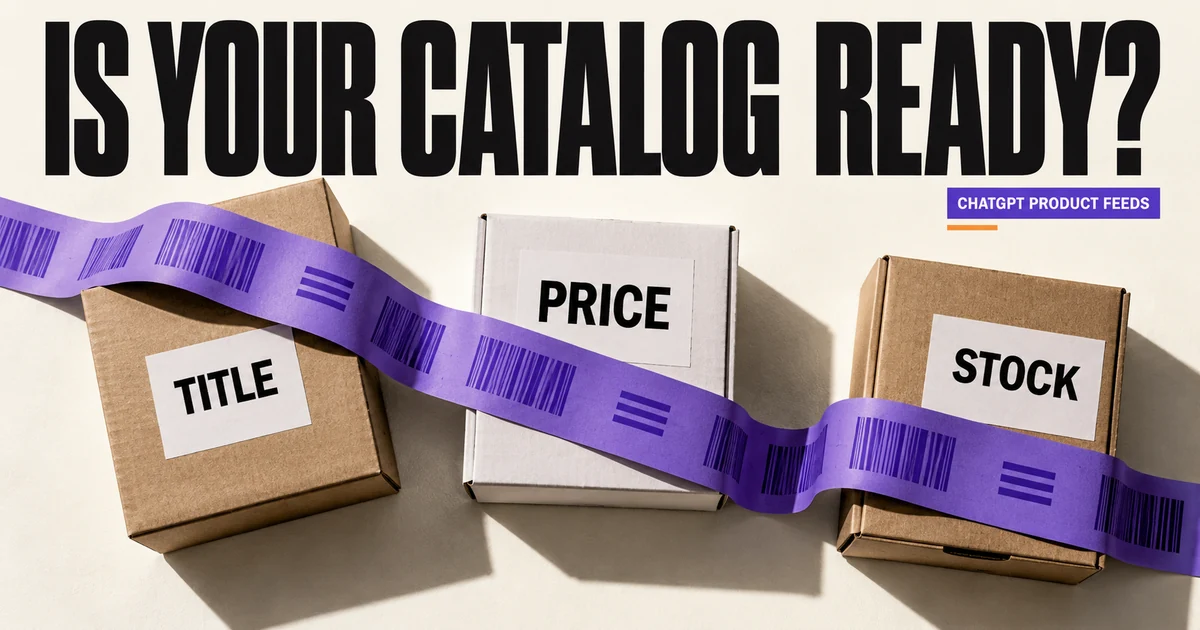
Check the catalog data before launching a product-feed campaign. Start with a small product set you can check against the store, especially if prices or availability change often.
Keep the person maintaining the catalog involved. Assign an owner for catalog updates as well as campaign setup.
Separate paid-feed eligibility from organic visibility
OpenAI’s product-feed campaign guide says products imported through this Ads Manager workflow are eligible for ads during the beta. That upload does not automatically put them in organic ChatGPT conversations.
Keep that distinction in the business brief. Paid delivery and organic shopping discovery need separate evidence; a successful feed upload does not prove either has produced a customer.
Validate a few rows against the actual store
Use the current feed specification for field names, required data and accepted formats. Compare product identity, title, destination, image, price and availability with the live product page.
Check public image and destination access. A URL that works only inside an authenticated admin session is not a suitable product asset.
Choose a refresh method someone owns
The campaign guide supports manual upload, hosted HTTPS URL and SFTP paths. It says items expire after two weeks, so an upload is not a permanent catalog sync.
Choose the method your team can maintain. A hosted export still needs a successful refresh schedule and an owner who notices failures. Record the most recent successful processing result and inspect errors before assuming a refresh completed.
When a product becomes unavailable, repair the feed and store data together. A campaign filter cannot compensate for a catalog source that continues to claim stale stock.
Check the selected product set before publishing
During ad-group setup, inspect the feed and product count that passes the chosen filters. Review the template preview. New product-feed campaigns currently support geographic targeting at country level.
Product labels choose catalog subsets; a label such as “west-region” does not itself restrict delivery to people in that region. Use actual campaign geography for supported delivery controls.
An empty Products report does not prove upload failure
The Products tab is a delivery reporting view. The eligible count in setup and the processing history are the better checks before launch. After serving starts, allow for the documented reporting delay.
If expected products remain missing after delivery, collect feed and account IDs, product examples, date range and timezone for support. Follow the troubleshooting guide rather than repeatedly reimporting the whole catalog without a diagnosis.
Start the test with products whose prices and contribution you understand. The break-even ROAS calculator can help set a first-order limit, but returns and delivery costs still need accurate inputs.
Sources and review date
Official documentation checked on 2026-10-12. Availability and features can change; confirm them before launch.